
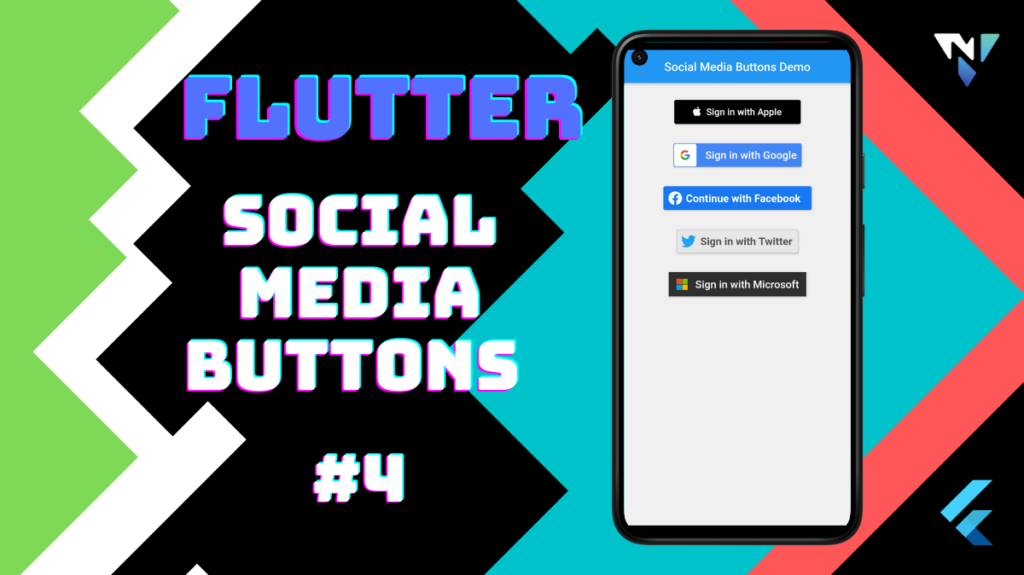
Tutorial and code of Social Media Buttons in Flutter. Copy and paste the below code as per your requirements.
Add this dependency in pubspec.yaml file of the project.
dependencies:
  flutter:
    sdk: flutter
  flutter_auth_buttons:
main.dart
import 'package:flutter/material.dart';
import 'package:flutter_auth_buttons/flutter_auth_buttons.dart';
void main() async {
  runApp(new MyApp());
}
class MyApp extends StatelessWidget {
  @override
  Widget build(BuildContext context) {
    const padding = 25.0;

    return MaterialApp(
      debugShowCheckedModeBanner: false,
      title: 'Social Media Buttons',
      home: Scaffold(
        appBar: AppBar(
          title: Center(child: Text("Social Media Buttons Demo"),),
          backgroundColor: Colors.blue,
        ),
        backgroundColor: Color.fromARGB(0xFF, 0xF0, 0xF0, 0xF0),
        body: SingleChildScrollView(
          child: Column(
            crossAxisAlignment: CrossAxisAlignment.stretch,
            children: <Widget>[
              Column(
                children: <Widget>[
                  SizedBox(height: padding),
                  AppleSignInButton(
                      onPressed: () {}, style: AppleButtonStyle.black),
                  SizedBox(height: padding),
                  GoogleSignInButton(onPressed: () {}, darkMode: true),
                  SizedBox(height: padding),
                  FacebookSignInButton(onPressed: () {}),
                  SizedBox(height: padding),
                  TwitterSignInButton(onPressed: () {}),
                  SizedBox(height: padding),
                  MicrosoftSignInButton(onPressed: () {}, darkMode: true),
                ],
              ),
            ],
          ),
        ),
      ),
    );
  }
}